Reset Your Password
How to securely reset or update your account password.
Reset Your Password
Short description: How to securely reset or update your account password. Who this article is for: All users
Step-by-Step Instructions
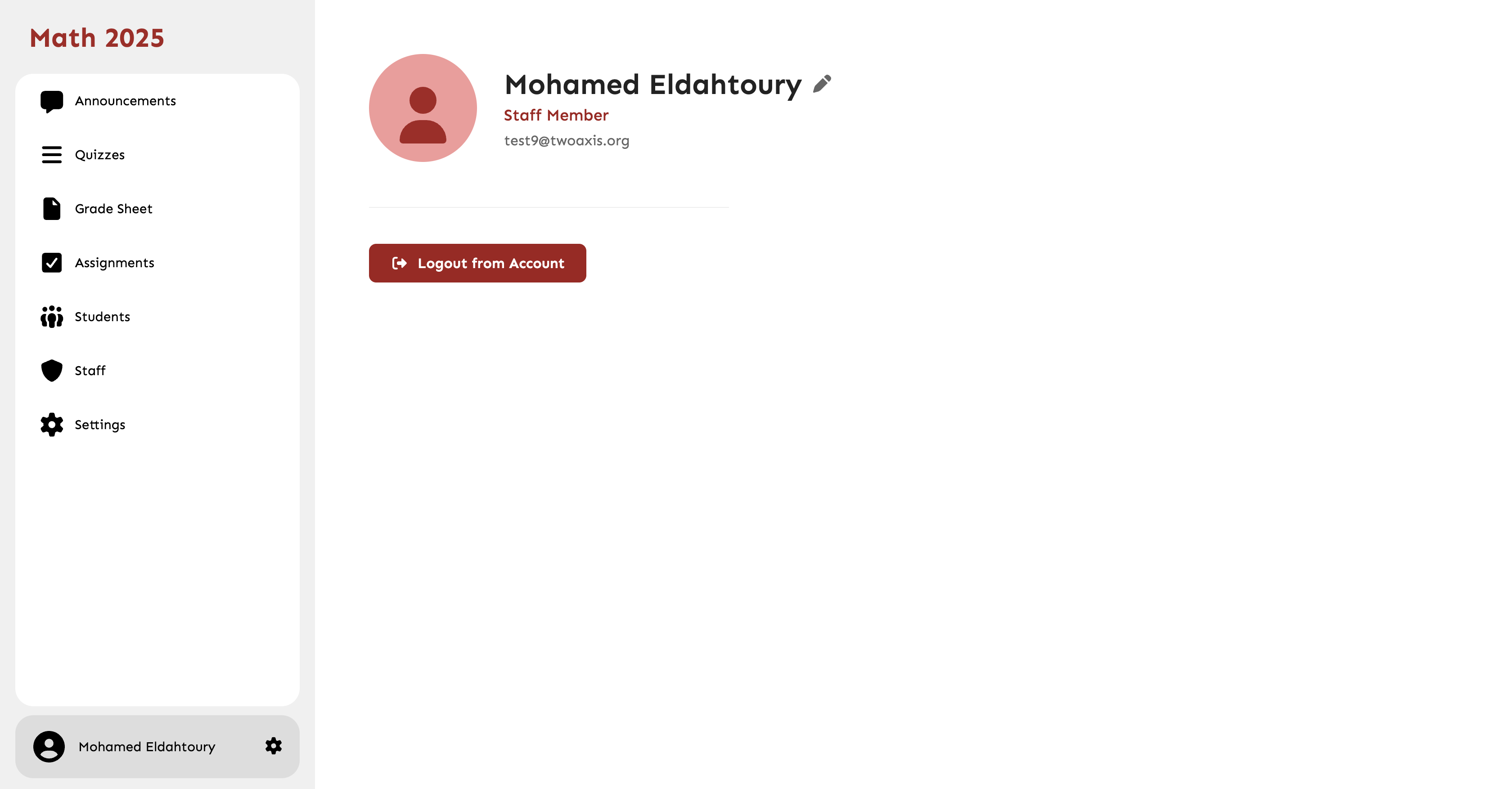
- Go to Account Settings > Security.
- Click 'Change Password'.
- Enter your current password, followed by your new password.
- Click 'Save Changes'.
Common Mistakes
- Reusing old passwords.
- Ignoring password strength warnings.