Update Your Profile Information
Change your name, avatar, and bio.
Update Your Profile Information
Short description: Change your name, avatar, and bio. Who this article is for: All users
Step-by-Step Instructions
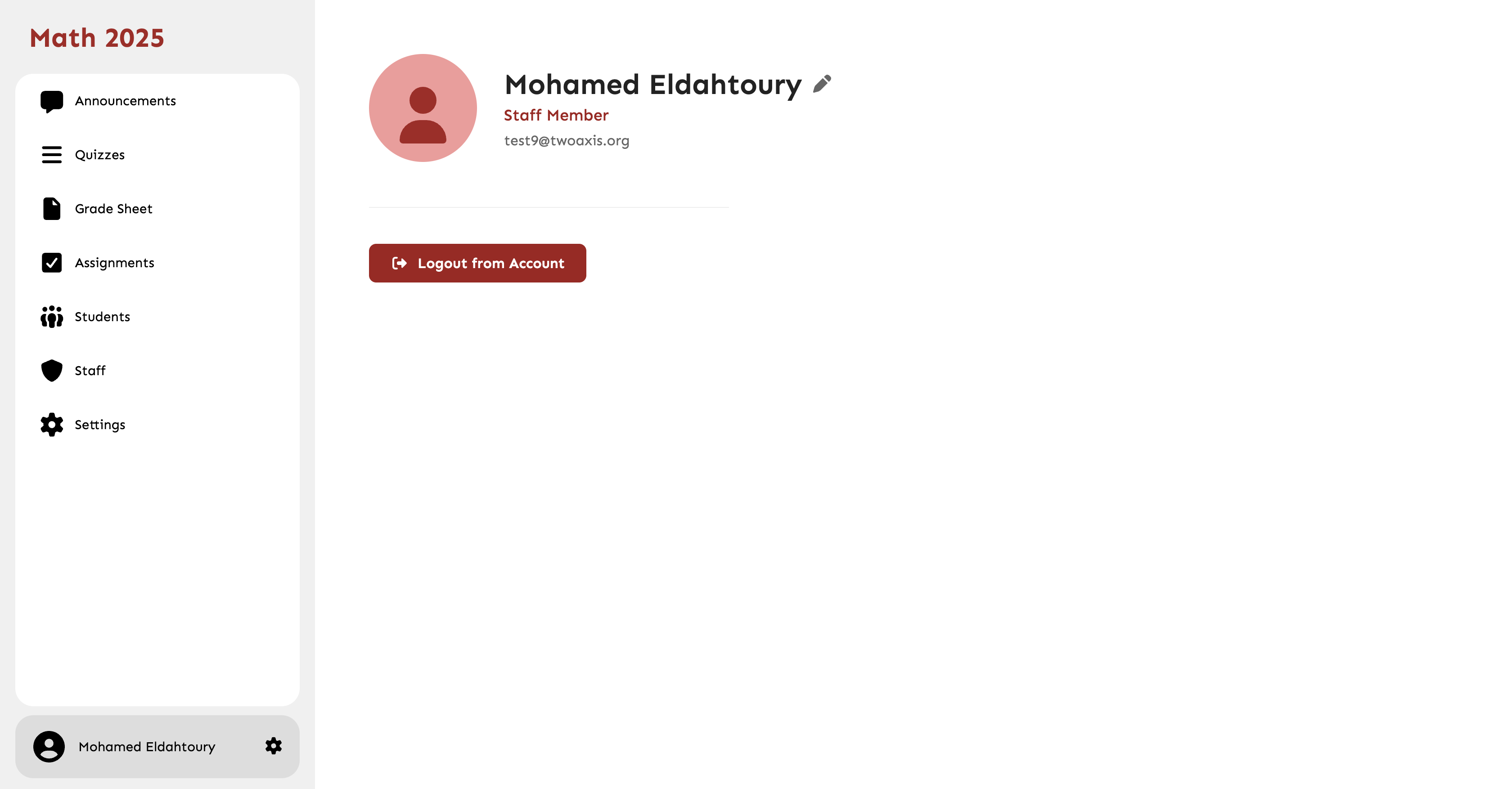
- Click on your avatar and select 'Profile'.
- Click 'Edit Profile'.
- Upload a new avatar or modify your text fields.
- Click 'Save Profile'.
Common Mistakes
- Uploading an image file that is too large.