Navigate Your YASPO Dashboard
A quick tour of the YASPO dashboard and where to find key features.
Navigate Your YASPO Dashboard
Short description: A quick tour of the YASPO dashboard and where to find key features. Who this article is for: All users
Step-by-Step Instructions
- Log into your account to view the dashboard.
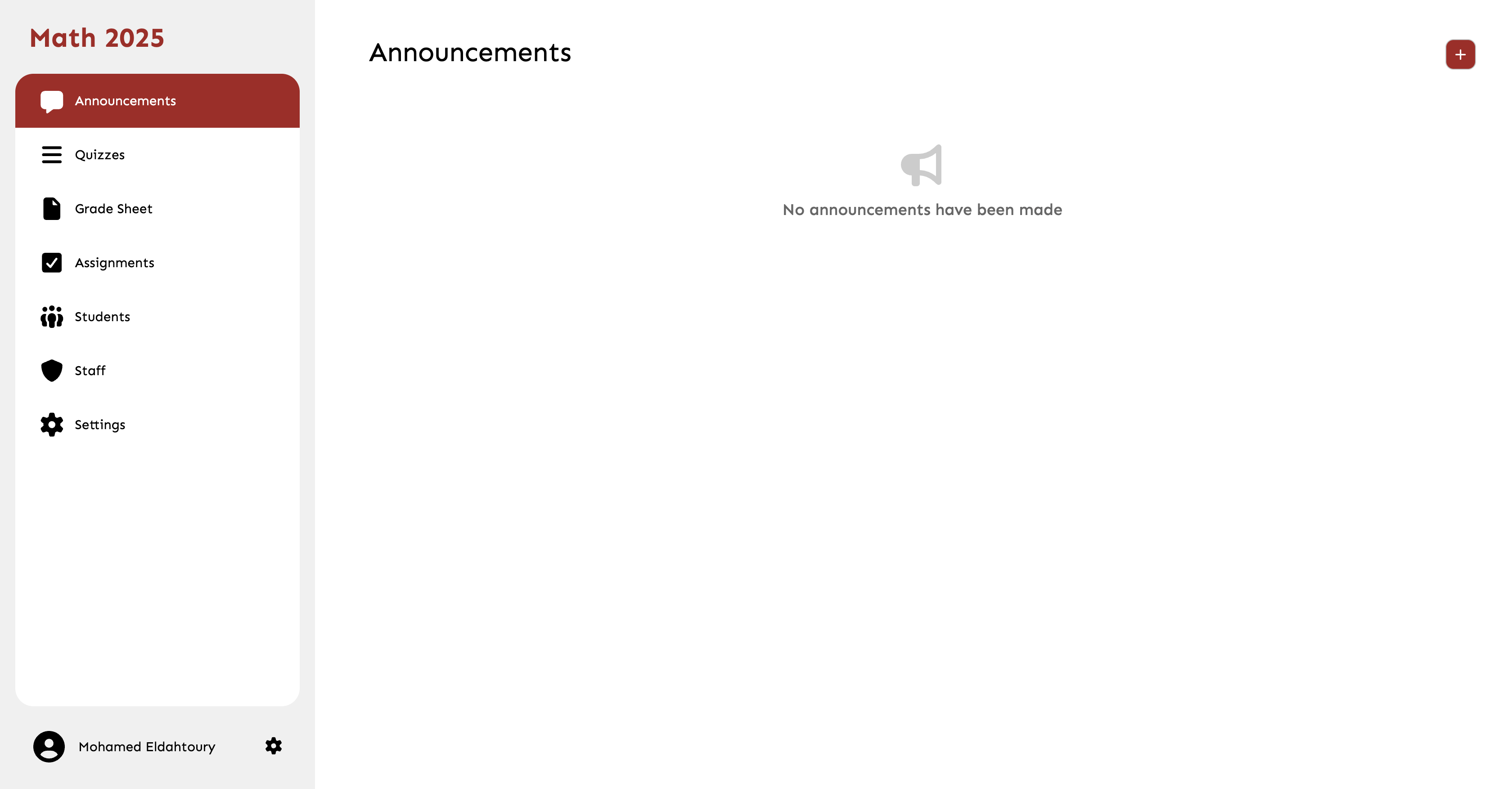
- Use the left sidebar to navigate between Classes, Assignments, and Settings.
- Check the 'Upcoming' widget on the right for deadlines.
- Click your avatar in the top right to access profile settings.
Common Mistakes
- Overlooking the sidebar toggle button on mobile devices.