Sign Up for Your YASPO Account
Learn how to create a new YASPO account to access your educational resources.
Sign Up for Your YASPO Account
Short description: Learn how to create a new YASPO account to access your educational resources. Who this article is for: All users
Step-by-Step Instructions
- Navigate to the YASPO homepage.
- Click on the 'Sign Up' button in the top right corner.
- Fill in your name, email, and a secure password.
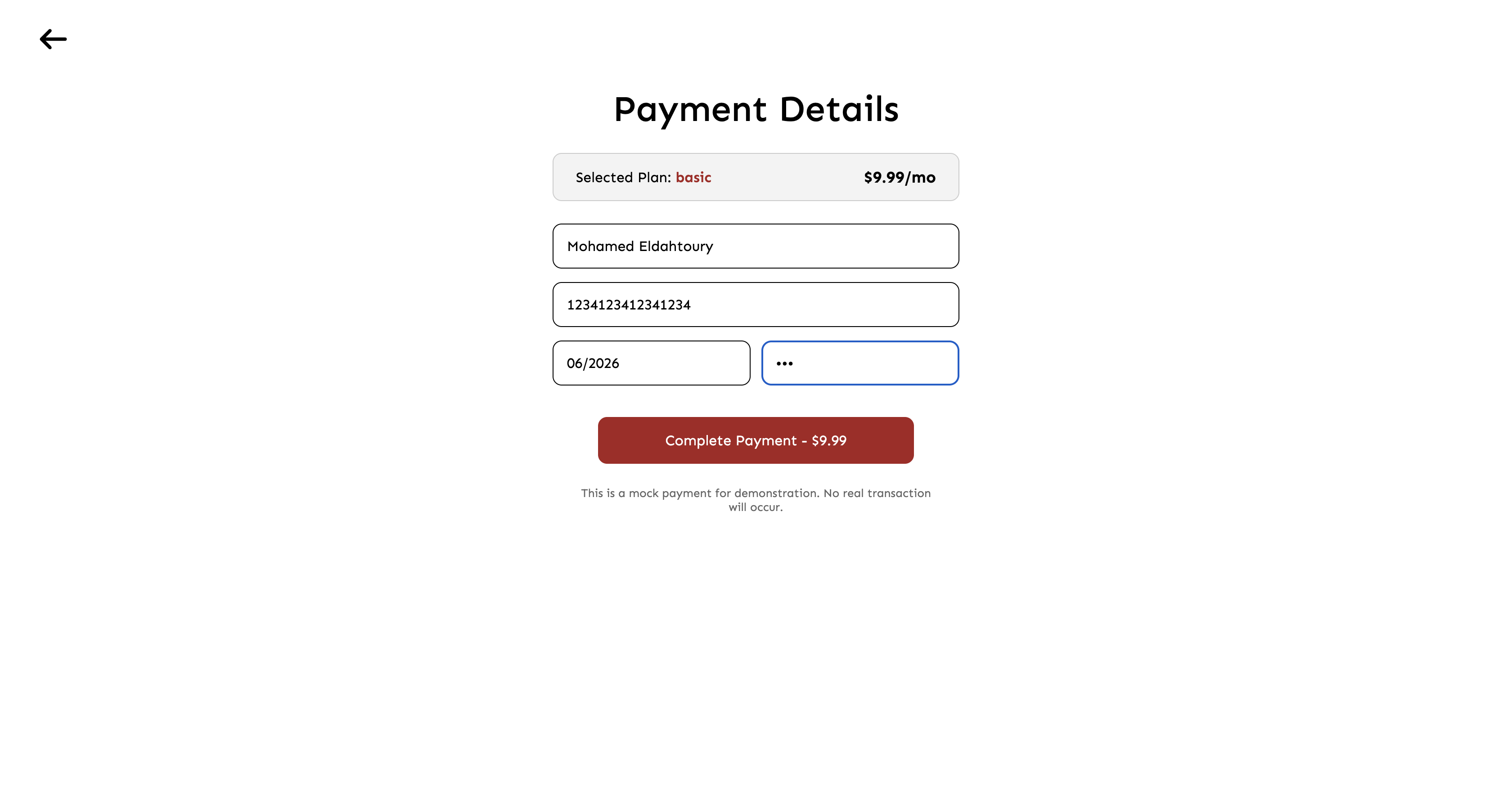
- If prompted, complete the payment form to set up your subscription.
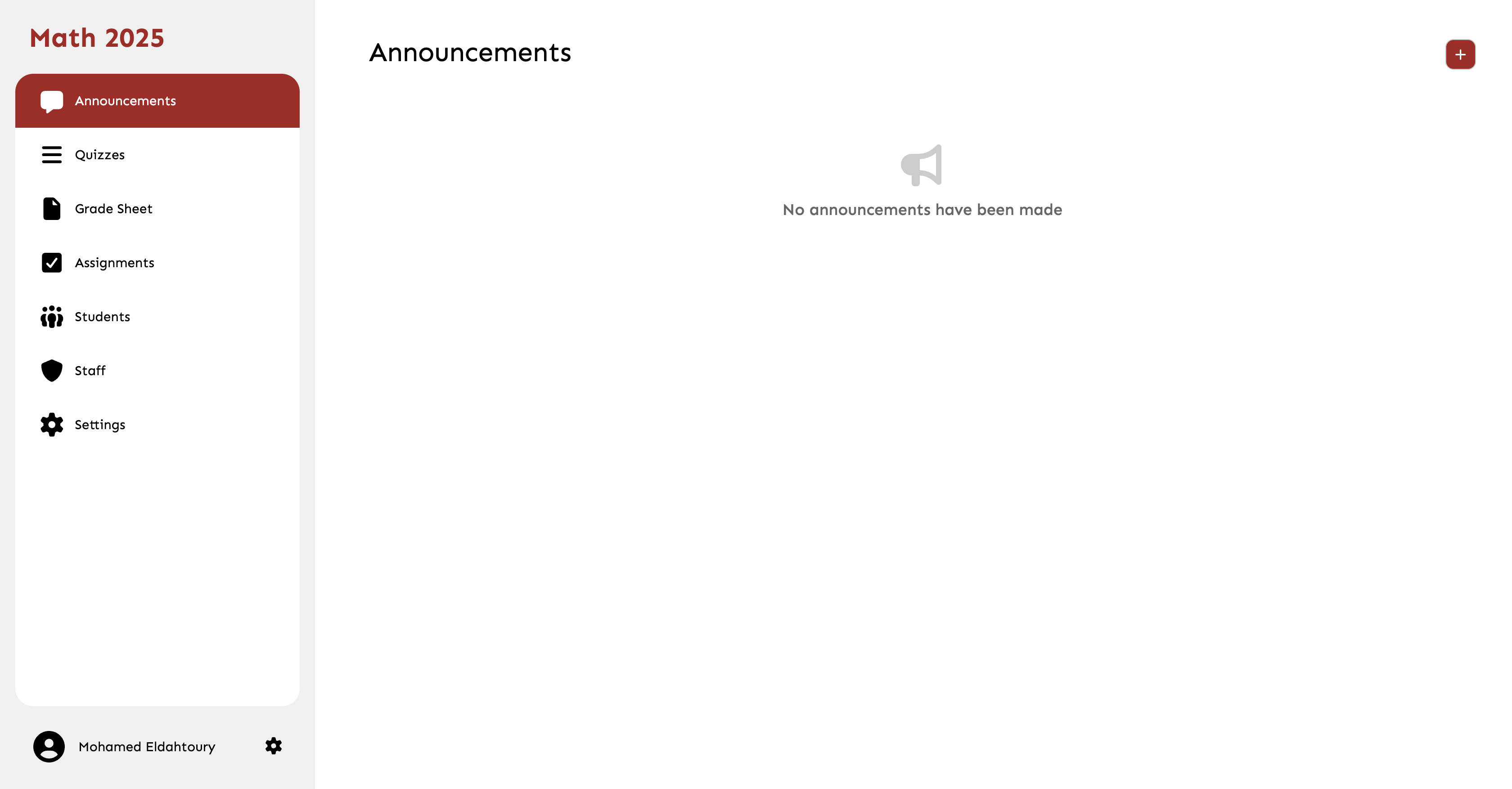
- Upon successful signup and payment, you will be redirected to the main dashboard.
Common Mistakes
- Using an unmonitored email address.
- Failing to check the spam folder for the verification email.